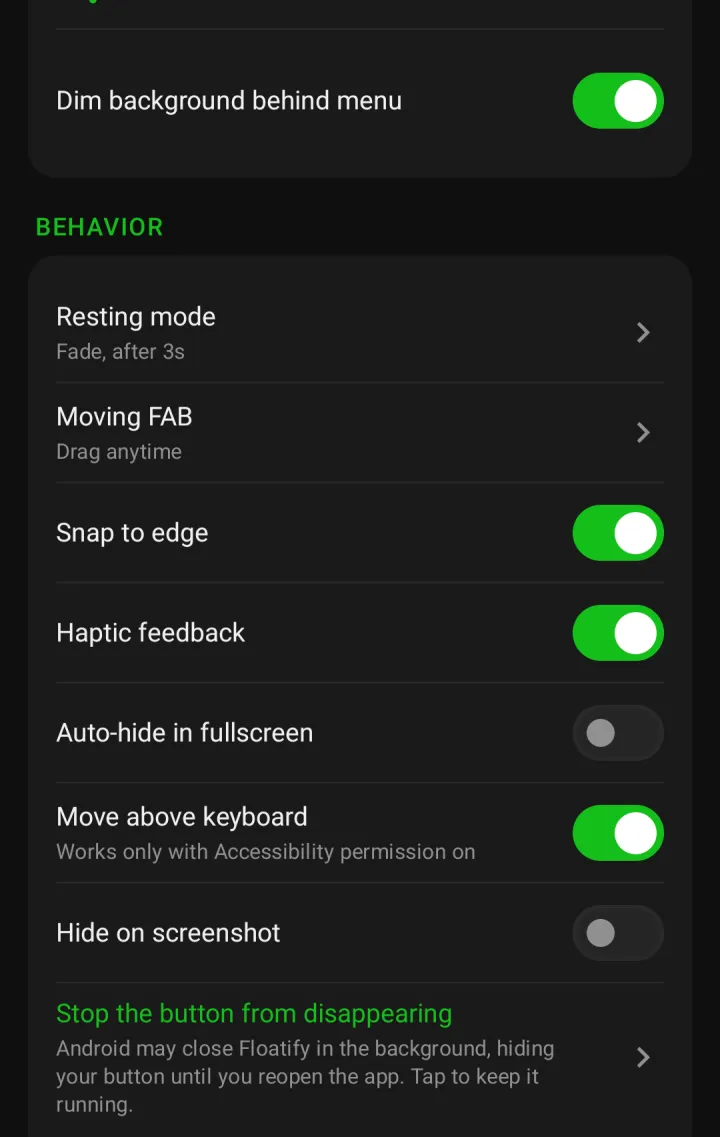
The row at the bottom of Behavior that shows while Floatify can still be closed in the background.
A floating button or assistive touch overlay works for an hour, then it is gone, with no crash message. Open the app and it is back.
The cause is almost always the phone, not the app: Android or the phone maker's battery manager closed the app in the background. To fix it, open Settings > Apps, pick the app, and set its battery use to Unrestricted. On Xiaomi, OPPO, vivo and Huawei you usually also need to allow Autostart.
Why Android closes the app
Android frees memory and saves battery by stopping anything that looks idle. The usual causes are standby limits on apps you rarely open, the phone maker's own task killer (Xiaomi, OPPO, vivo, Huawei and Samsung add one on top of Android; dontkillmyapp.com lists them by brand), low memory during a game or the camera, and a "clean memory" or Recents sweep.
If the button runs through an accessibility service, a kill can also drop the service, and Android does not turn it back on for you.
If a Floatify button vanishes only in games or videos, check Auto-hide in fullscreen in its Behavior card - that is a setting, not a kill. Likewise, Floatify's Resting mode fades the button or shrinks it to an edge bar when idle, and it returns when you touch it.
The fix on any Android phone
- Long press the app icon, tap App info, and open Battery (App battery usage on Pixel).
- Choose Unrestricted.
- If your phone has an Autostart or Auto-launch page, allow the app there.
- In Recents, lock the app card if your phone offers it.
- Turn off any "clean memory" or "boost" automation that includes the app.
Menu names vary by version. Typical paths:
- Xiaomi, Redmi, POCO: Settings > Apps > Manage apps > the app, then switch on Autostart and set Battery to No restrictions.
- OPPO, realme, vivo: allow background activity under the app's Battery page, and enable it under Auto launch or Autostart.
- Huawei, Honor: Settings > Battery > App launch, switch to manual, and allow Auto-launch and Run in background.
- Samsung: Settings > Battery > Background usage limits, then add the app to Never auto sleeping apps.
How Floatify helps
Floatify cannot flip a phone maker's switches, but it can request Android's standard battery exemption and tell you after a kill.
The "Stop the button from disappearing" row. It is the last item of the Behavior card and shows only while the button is on and Floatify is not exempt. Tap it and Android opens its dialog; once you allow it, the row disappears.
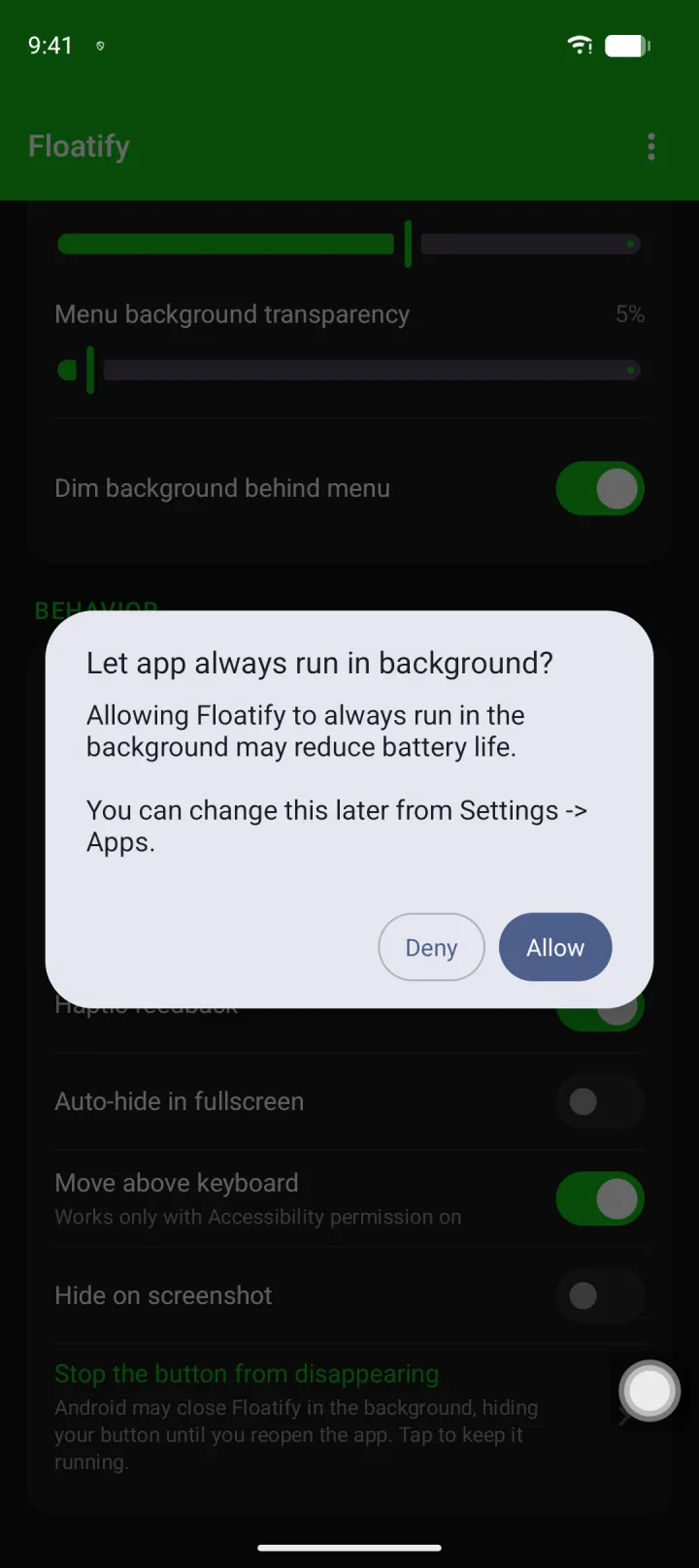
The system dialog after tapping the row. Wording varies by phone.
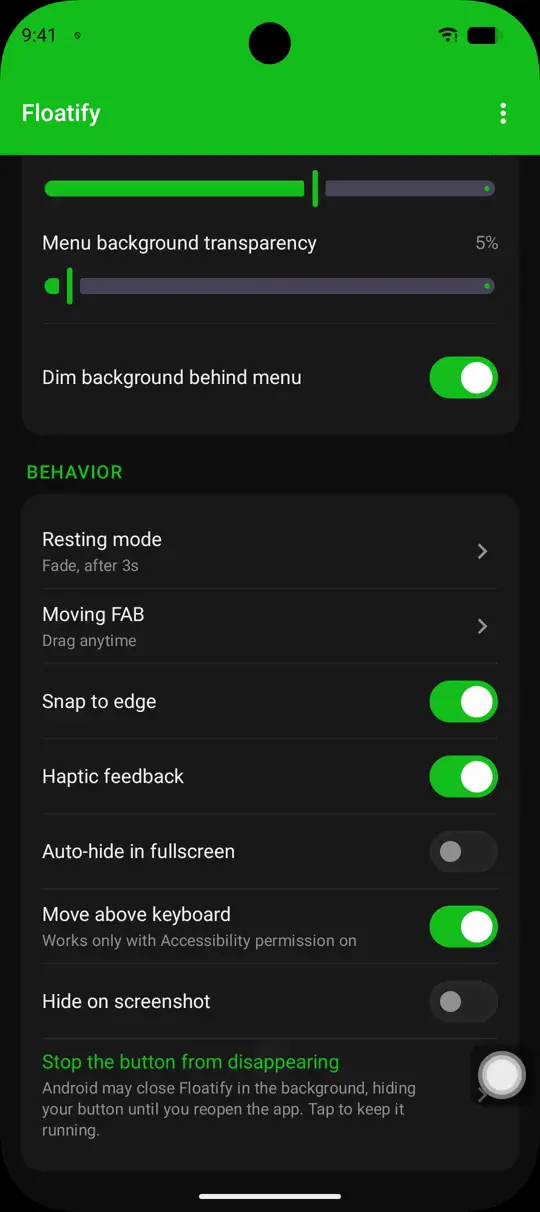
Tap the row, tap Allow, and the row goes away. Recorded on an Android emulator.
The "Floatify was stopped by Android" dialog. When you open the app after a system kill (Android 11 and later), or after an Accessibility service disconnects, Floatify tells you, at most once per kill. Allow it opens the same battery prompt; it does not open the Accessibility screen. To grant Accessibility again, tap the green hint card on the main screen. If you paused it on purpose for a banking app, see our fix for apps that block accessibility services.
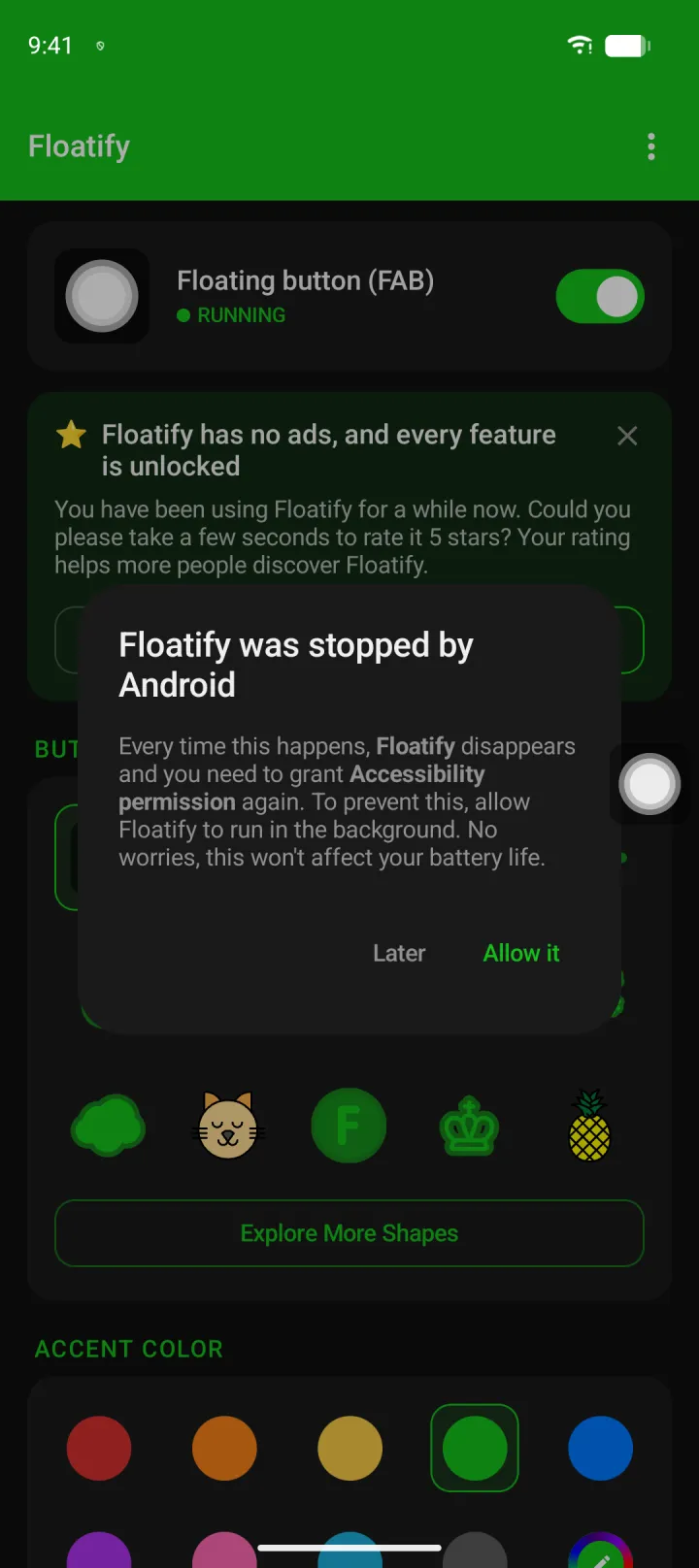
The dialog after a kill, with Later and Allow it.
Floatify also restarts the button after an app update. Autostart is separate, so set it yourself on Xiaomi, OPPO, vivo and Huawei.
If it still disappears, open the three-dot menu, tap Help & feedback, then Report a problem to send a short on-device timeline of the app's starts, stops and permission state. For more options, see the best assistive touch apps for Android and the setup guide.
Floatify is on Google Play, with no account, no ads and no paywalls.
FAQ
Why does my floating button disappear after I lock the phone?
With the screen off, battery managers are at their strictest. Set the app to Unrestricted, allow Autostart if available, and lock it in Recents.
Is Unrestricted battery going to drain my battery?
It allows more background activity, but a floating button is light, and you can reverse the setting in the same menu.
My button is gone only in games and videos. Is that the same problem?
No. That is Auto-hide in fullscreen in the Behavior card. Turn it off to keep the button visible.
No ads. No sign-up. Works on Android 10+.