Available on Android

One button.
Any action.
Always floating.
No Ads.

The floating button app for Android - replace your broken home button, add quick actions, control your phone your way.

A fast, customizable assistive touch button above every app. Action folders, swipe gestures, 1,000+ shapes and emojis, your own photo, and OpenAnything ✨ - always one tap away.

Get it on Google Play
Google Play 5.0 (100+) ✓ No Ads ✓ Every feature unlocked ✓ Works on-device
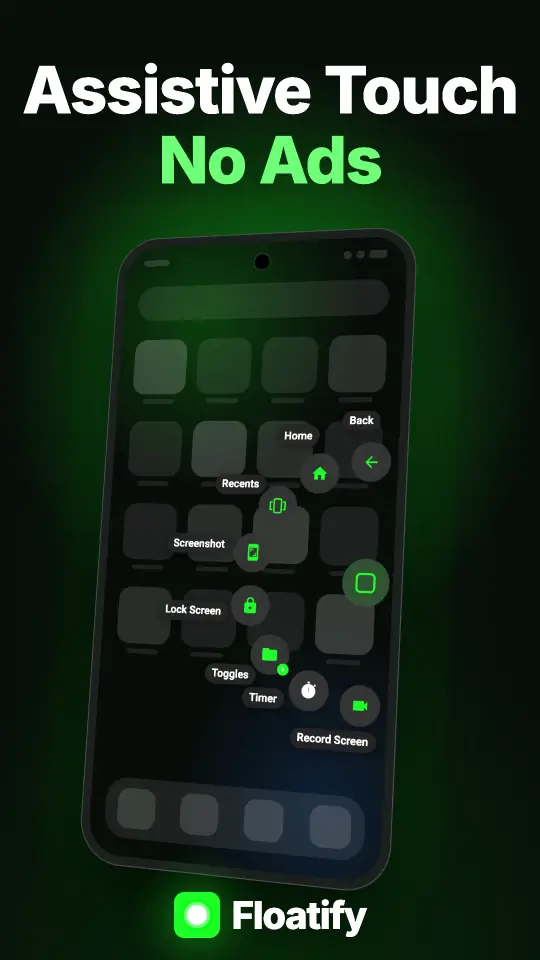
Floatify floating button and radial menu running on Android
1,000+
Shapes & Emojis
27
Languages
100+
Actions with OpenAnything ✨
0
In-App Ads

See it in action

Floatify in 43 seconds

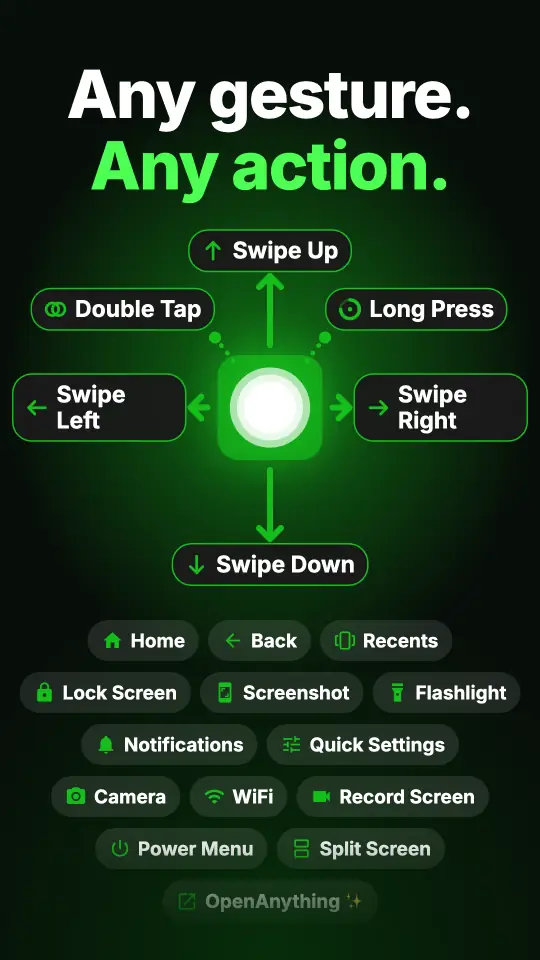
Floatify 7 gestures on one floating button
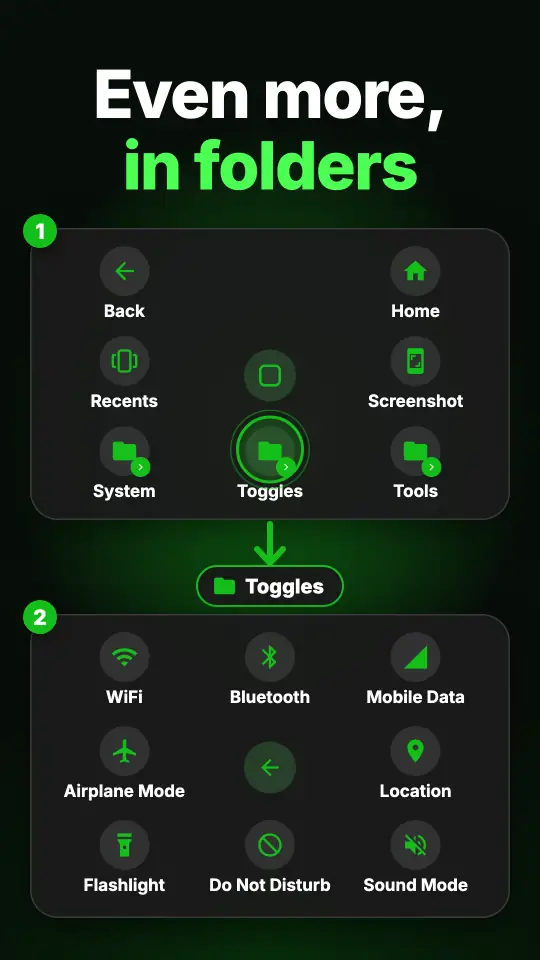
Floatify Action Folders in floating menu
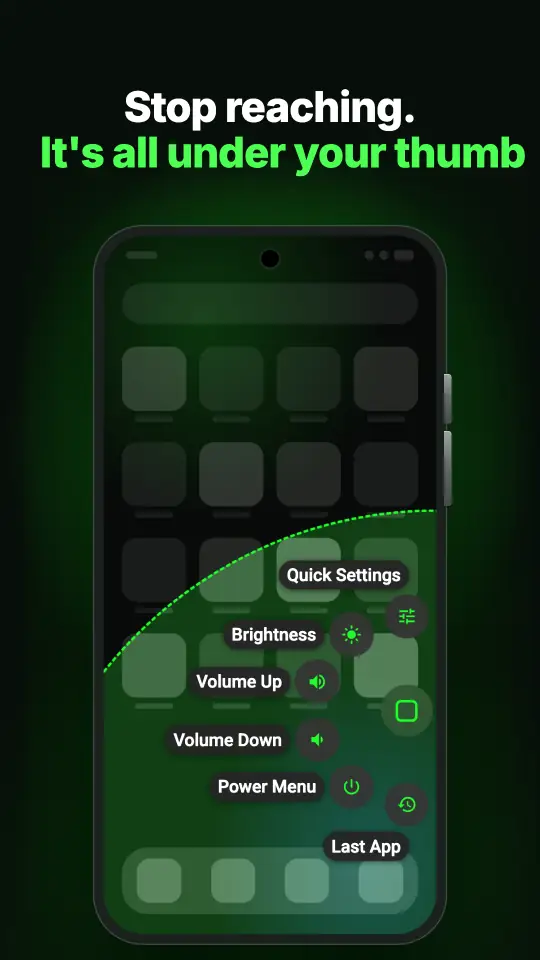
Floatify one-handed thumb reach shortcuts
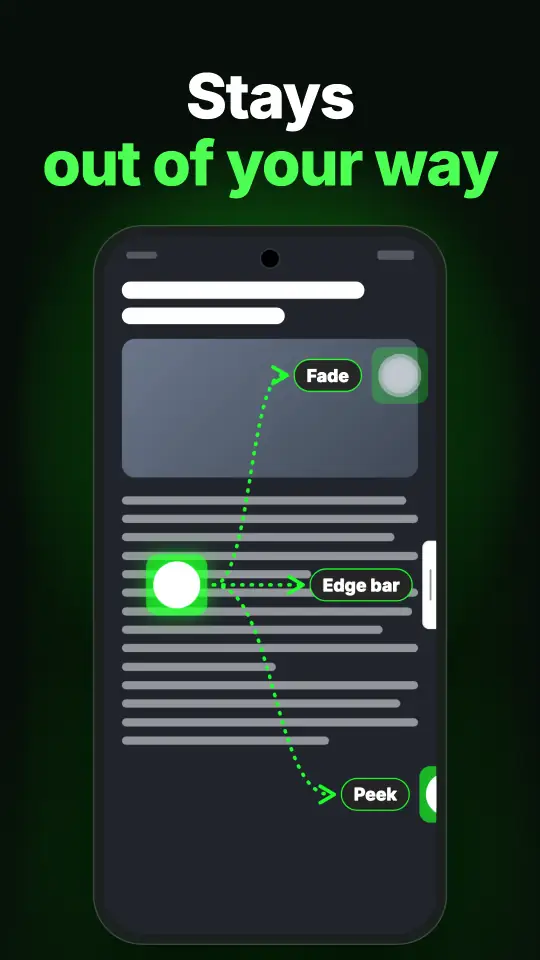
Floatify Edge bar, Peek, and Fade resting modes
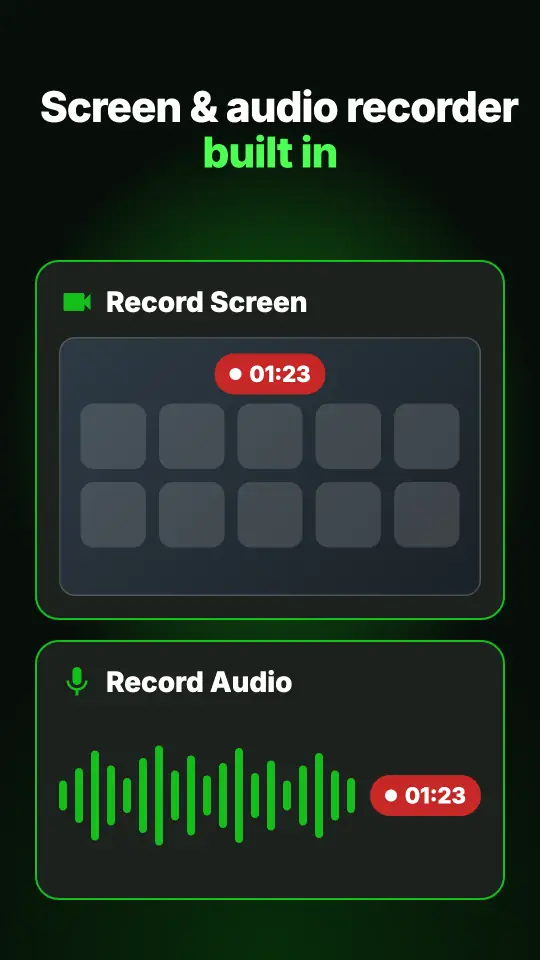
Floatify built-in screen and audio recorder

Everything your fingers need.

Featured

OpenAnything ✨

Launch any app, web link, shortcut, or hidden screen inside any app directly from your floating button.

⚡

Navigation, Toggles & Recorder

Home, Back, Recents, Lock, Screenshot, Volume, Power menu, system toggles, plus built-in Screen & Audio Recorder - all without leaving your current app.

📁

Menu Styles & Action Folders

Tap to open Radial, Grid, Vertical, iOS Panel, or Single Action mode. Group shortcuts into custom-colored and custom-icon Action Folders with up to 16 items.

👆

7 Gesture Shortcuts

Single tap, double tap, long press, swipe up, down, left, and right - each triggers a different action.

🎨

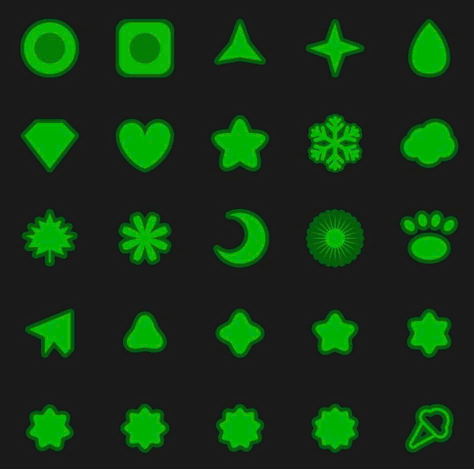
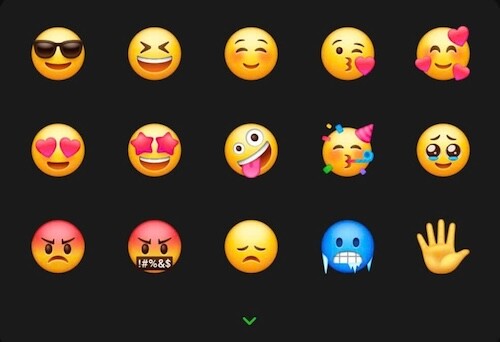
Shapes, Emojis & Your Photo

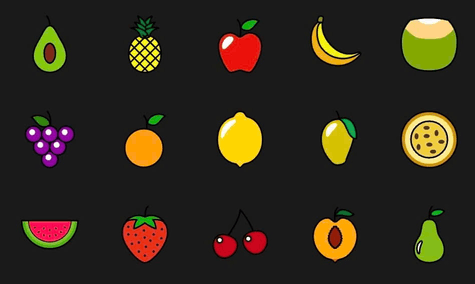
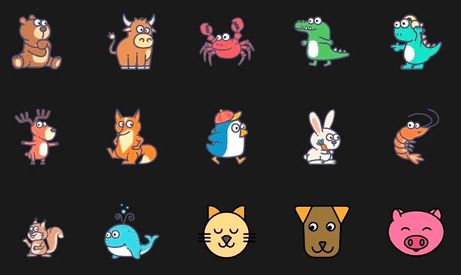
Pick from 1,000+ shapes and emojis, or crop your own photo with custom border, color, size, and transparency.

✨

Stays Out of Your Way

Tucks into a slim Edge bar, Peek, or Fade when idle. Auto-hides in video, games, and camera, and moves above the keyboard.

🚫

No Ads, No Paywalls

Every feature unlocked, zero ads - no strings attached.

Google Play Reviews

Loved by Android users.

Read all reviews on Google Play →
★★★★★

"Over many years I've tried countless versions, NONE have achieved even close to the flawless balance between form & function like Floatify - you get all the features you need and none of the bloat. Thank you for this impressive little mighty tool!"

Divinus Filius Google Play
★★★★★

"Excellent app! Highly customizable, no ads, and very responsive to touch. For those looking for a floating action button, this is undoubtedly the most complete."

Juvenal Roberto Google Play
★★★★★

"Incredibly useful and well organized - it changes how you interact with your phone for better. Very high degree of customization and you even choose the processes to be opened within a specific app, only with one tap."

Alberto Bertani Google Play
★★★★★

"Best accessibility app. Even better than Google's inbuilt accessibility button. Has ability to change inbuilt options like volume, recent apps with other apps and shortcuts. True gem of a productivity app."

manish mandal Google Play

Frequently Asked Questions

Is Floatify safe to use?

Yes. Floatify works on-device with no account required. Permissions are feature-gated and requested only when you turn on the feature that needs them, with a plain-language explanation.

Does Floatify have ads?

No. Floatify has no ads and no paywalls. Every feature is unlocked from the moment you install it.

What Android version does Floatify require?

Floatify requires Android 10.0 (API 29) or higher, and adapts cleanly to phones, foldables, and tablets.

Is Floatify similar to iOS AssistiveTouch?

It gives you the familiar iOS-style panel - and goes much further:

  • Edge bar & smart hiding: tucks into a slim Edge bar, Peek, or Fade when idle, auto-hides in video, games, and camera, and moves above the keyboard.
  • OpenAnything: launch any app, web link, shortcut, or hidden Android screen in one tap.
  • 5 menu layouts & Action Folders: Radial, Grid, Vertical, iOS Panel, or Single Action, with custom-colored and custom-icon folders holding up to 16 actions.
  • 7 gestures on one button: tap, double tap, long press, and 4 directional swipes.
  • Full visual customization: 1,000+ shapes and emojis, or crop your own photo as the button.
  • Built-in Screen & Audio Recorder with internal audio support.

Start floating today.

Free to download. No sign-up. Zero ads.

Download Free on Google Play
Floatify - Technical Specifications
PermissionsDisplay over other apps (core), feature-gated Accessibility, Microphone (audio and screen recording), Do Not Disturb, and Phone Call (only when enabled)
Account requiredNo
Works on-deviceYes - settings stored locally, no cloud sync
Minimum Android10.0 (API 29)
Languages27 languages
Shapes library1,000+ shapes and emojis, plus custom cropped photo